

Live data, wherever you work.
Bring live database results to spreadsheets and AI tools, deliver them through a REST API, and automate reports and alerts with one secure agent inside your network.
Free forever. No credit card.
 Invoices from SQL Server, in Google Sheets
 Example agent: London, UK
| Invoice | Customer | Region | Amount | Due | Status | |
|---|---|---|---|---|---|---|
| 1 | INV-20481 | Halden Logistics | North | 12,480.00 | 23 Oct 2026 | Open |
| 2 | INV-20480 | Mirren & Co | West | 3,215.50 | 23 Oct 2026 | Open |
| 3 | INV-20479 | Castellan Foods | South | 28,900.00 | 21 Oct 2026 | Overdue |
| 4 | INV-20478 | Oriel Dental | North | 1,140.00 | 20 Oct 2026 | Paid |
| 5 | INV-20477 | Wexford Marine | East | 9,765.25 | 19 Oct 2026 | Open |
| 6 | INV-20476 | Pell & Hartley | West | 4,400.00 | 18 Oct 2026 | Paid |
| 7 | INV-20475 | Northgate Clinics | North | 17,320.80 | 17 Oct 2026 | Overdue |
| 8 | INV-20474 | Brightwater Ltd | South | 2,050.00 | 16 Oct 2026 | Paid |

 Example agent: Berlin, Germany

 Example agent: Toronto, Canada
1. Install the agent.
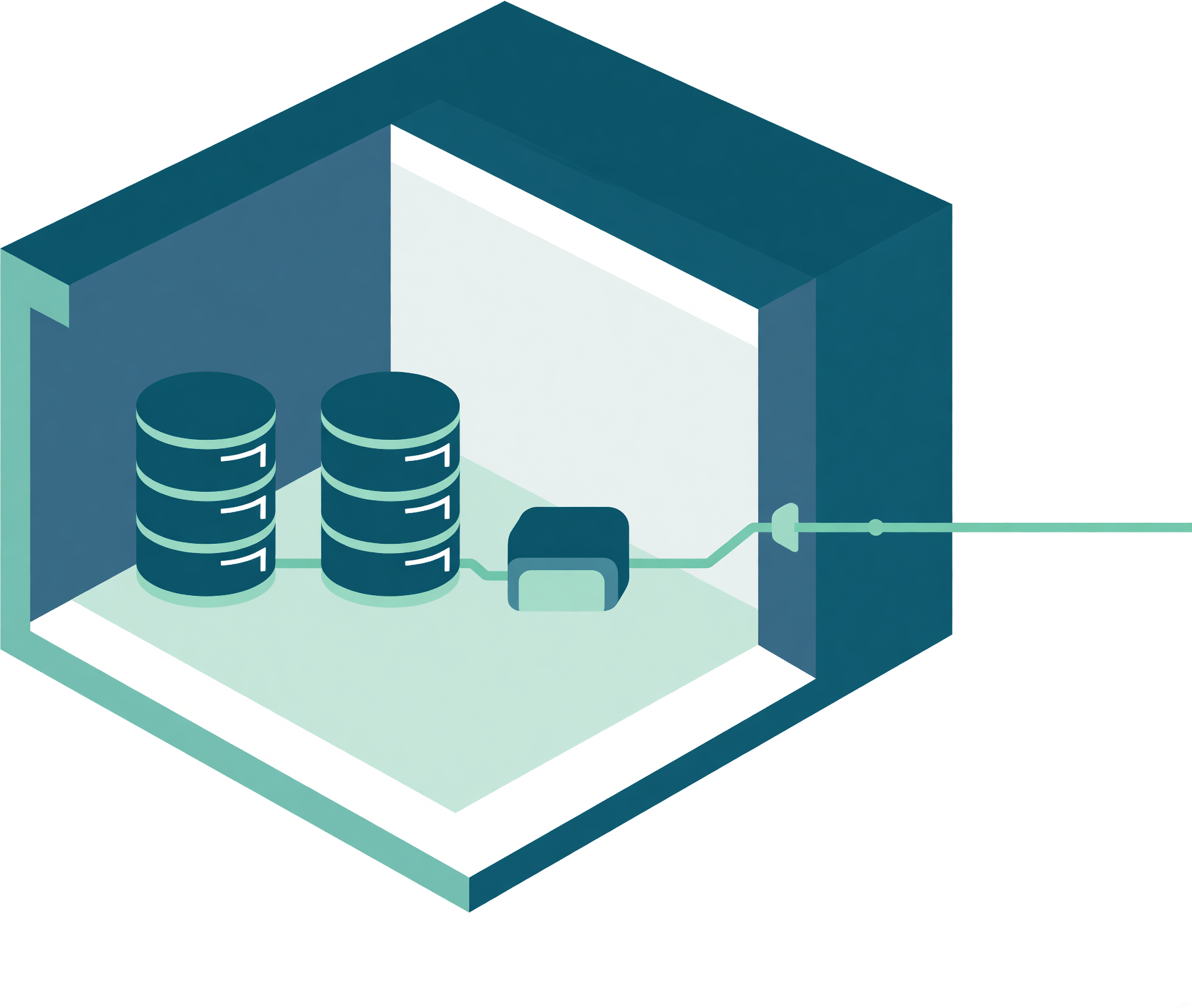
Install it once on Windows, Mac or Linux, where it can reach your data. It connects out to Query Streams and runs the requests you choose.
 Windows
 macOS
 Linux
- No VPN, no open portsOne outbound connection. No incoming connection to your database.
- Credentials never leaveDatabase logins stay on the agent; other tools receive results.
- Read-only, enforcedThe agent refuses statements that change your data.
2. Connect your sources.
Connect a database, a folder of files or a business tool. SQL Server, CSVs and SaaS data all become tables you can query; the API Connector brings in tools like Stripe and HubSpot.


3. Save a query once.
Use the Query Builder to write SQL beside your table list, or describe what you want to Nova, the built-in AI analyst. Save the query once and use its results wherever you work.
 MariaDB
SELECT invoice, customer, region, amount, due, status
FROM ar.invoices
WHERE status <> 'Paid'
ORDER BY due


4. Use it wherever you work.
Start with the way you want to work. Build on the same data, saved queries and secure Network Agent as your needs grow.
AI
Ask questions, explore your findings and give AI the context it needs to understand your data.
 Google Ads


Work with data
Build the query, combine your sources and use the results wherever you work.
 iTick


- Excel & SheetsBring live results into cells ready for formulas, charts and pivot tables.
- Query BuilderWrite, test and save SQL alongside your schema.
- Mobile Data ViewerRead query results on your phone or in a browser.
- Federated QueriesJoin data across databases, files and SaaS tables.
- Dynamic FiltersLet people choose filter values without editing SQL.
Build & integrate
Bring SaaS data in, power your apps and give vendors or factories an API for just the results they need.
 Excel Folder
GET /v1/queries/halden-invoices200 OK{
"rows": 1,
"data": [
{"invoice":"INV-20481","amount":12480}
]
}

Automate
Keep the team’s tools current and send useful updates without someone pressing Run.
 Slack · #financeIllustrative message


5. Share results safely.
Give colleagues or vendors permission to run a query you control and receive live results in their own tools. They can use only the filters you allow. Your SQL code and database login stay private; revoke access any time.
- Inside or outside the companyRecipients use a free Query Streams account. No paid recipient seat.
- You choose the filters they getA vendor sees their region; a manager sees their team.
6. Give AI a head start.
Your AI reasons. The Network Agent does the groundwork.
Custom-built functions profile, summarise and analyse results inside your network. The Network Agent sends compact findings and keeps results ready for follow-up questions, so your AI can focus on the reasoning.
- Faster work. Less context. Fewer round trips.The AI gets useful findings instead of working through raw rows. Follow-up questions reuse held results, avoiding repeated database queries and back-and-forth calls.
- It learns how your data fits togetherTable descriptions and relationships help AI find the relevant data.


Where Query Streams agents are running today.


Pay for what runs, not for who looks.
Recipients of shared queries use a free account. Each plan includes its own allowance for processing, connections and people who build queries.
One agent, two sources. Excel and Sheets, your AI tools and the REST API. Free forever.
More data and sources, plus the analytic toolset for your own AI tools.
Nova, the built-in AI analyst, deeper analysis and more capacity for your team.
More agents, sources and builders for work across departments or regions.
Questions people ask first
Is Free a trial?
No. Free is a plan you can keep, with no credit card and no expiry. It includes one Network Agent and two configured data sources. Your plan’s processing allowance applies. Compare plans and allowances.
Does my database login leave my network?
No. The Network Agent connects to your data sources inside your network and keeps their credentials there. It opens an encrypted outbound connection to Query Streams and sends the results requested. You do not need an inbound port or a VPN.
Do people I share results with need a paid account?
No. Recipients use a free Query Streams account to run the queries you permit and receive results with the filters you allow. They do not receive your SQL or database login. The owner’s plan sets sharing slots and usage allowances.
Where can I use my query results?
Use results in Excel and Google Sheets, your own app through the Database REST API, AI tools through MCP, Nova, or the Data Viewer on phone and web. Automation, Reports and Data Alerts put results to work on a schedule. Feature availability and allowances depend on your plan.
 English
 Spanish
 German
 French
 Portuguese
 Japanese
 Korean
 Chinese
 Italian
 Dutch
 Indonesian
 Polish